-
Featured
- #381

No, was going to try and tackle that tonight. I just had a busy weekend.
Follow along with the video below to see how to install our site as a web app on your home screen.
Note: This feature may not be available in some browsers.
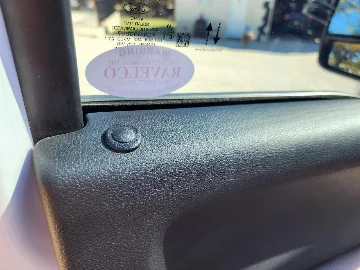
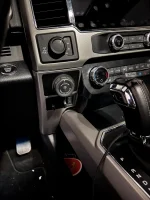
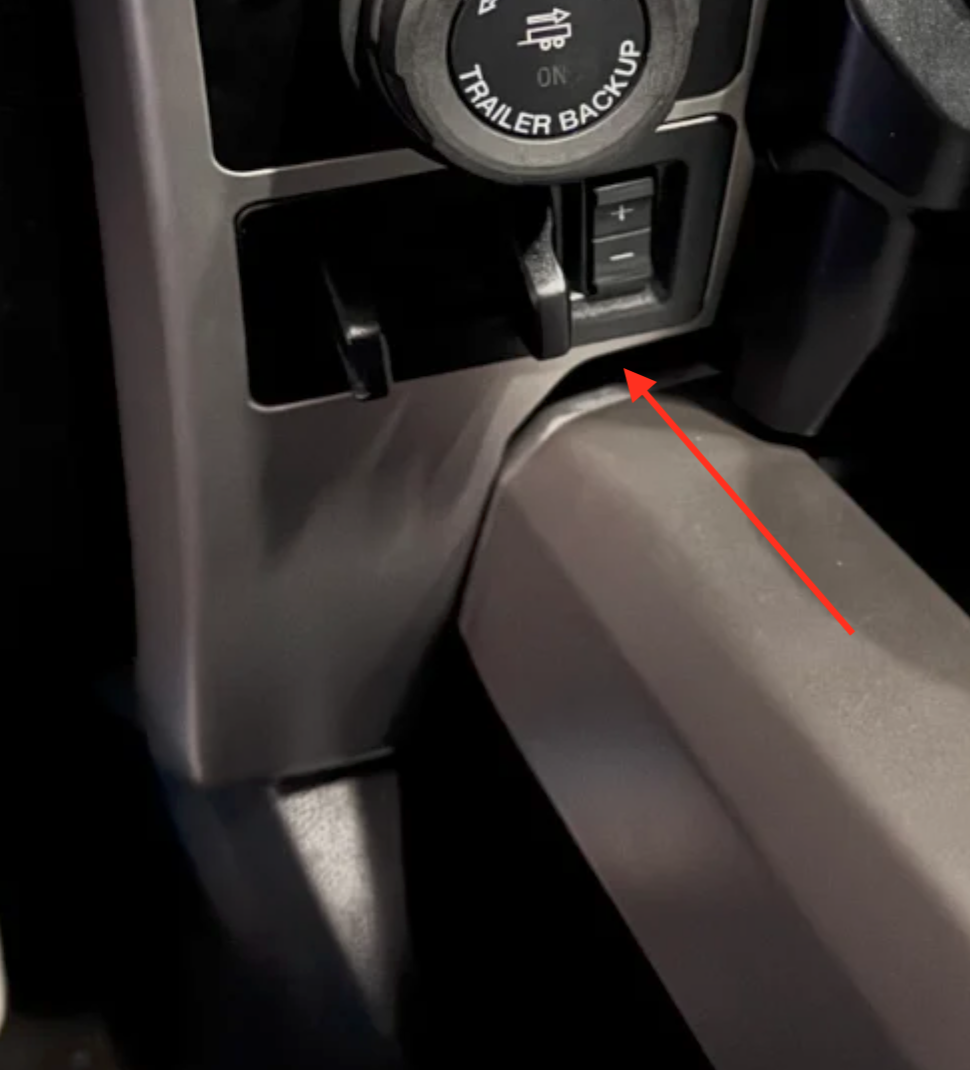
I did mine last night and my trailer knob looks like yours.I've never seen the trailer knob sticking out of the trim piece like that. There's usually the rectangle trim around it, weird mine doesn't have that.
View attachment 199887
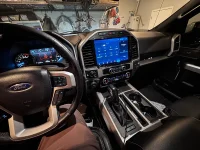
How bad is that gap on the trim?I did mine last night and my trailer knob looks like yours.
From the driver perspective, not too bad. If I look at eye level, could be better.How bad is that gap on the trim?

Is the gap fixable?From the driver perspective, not too bad. If I look at eye level, could be better.


I hope he has gap insuranceIs the gap fixable?
 .
I hope he has gap insurance

Seriously, I tried to make it better without luck. The other side doesn’t have it.Is the gap fixable?
Try loosening the four console bolts and raising it up.Seriously, I tried to make it better without luck. The other side doesn’t have it.
Will look into that. Also I need to review the install video I used to ensure I didn’t any any bolts. For example, are there any where the dash meets the center console (on top)? I got the 7 that were along the floor on sides (4 driver, 3 passenger).Try loosening the four console bolts and raising it up.
That's the brown plug right? I was told it wasn't needed either by fordsync4. I didn't put it in and GPS is working fine on the truck, including FordPass. Also note, that I was told the APIM needs to be mounted vertically and not horizontal. I had to modify the Fordsync4 steel mount to do this. Apparently if you mount it flat, your GPS location will wander.Did the APIM that everyone received have the plug for the GPS antenna? Mine is missing it and fordsync4 is saying its not needed but I feel like its needed for fordpass location tracking.
What version do you have? Also I believe the gps is the left blue plug.It's also clear that the APIMs they're getting are all completely random and more critically have different versions of Sync4 running on them. Mine's an earlier release and it's causing me issues.