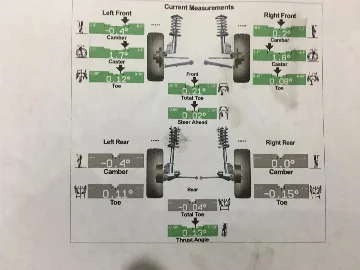
I ran the harness to the OBD2 and zip-tied it along the way. Sorry about the crappy pictures...

Follow along with the video below to see how to install our site as a web app on your home screen.
Note: This feature may not be available in some browsers.

No problem!So I just pulled the dash apart and that made the job 300% easier. Not hard to get it off and the whole job took an hour maybe. Thanks for the pics @ECHO-24


worse would be my guess. Unless you got it for eco mode. I haven’t installed mine yet but got worse mpg in my tundra. It’s a lot more fun to drive with it. Hence worse mpg.Has anyone seen any difference in MPG sunce installing this? Better ? Worse?
That's what I would guess. Just wondering what guys are actually seeingworse would be my guess. Unless you got it for eco mode. I haven’t installed mine yet but got worse mpg in my tundra. It’s a lot more fun to drive with it. Hence worse mpg.
Just completed first fill up since installing. 8.9 MPG!!!! 85% stop light city traffic and quite a bit of parked idle too. To be fair I was getting about 10.5 MPG before install. I have the responsiveness set on city at 10. I’ll try city at maybe 5 and see what I get next fill up.Has anyone seen any difference in MPG sunce installing this? Better ? Worse?

Turned my app on today to mess with a Mitsubishi Lancer and had to wait for an update to installAccording to Jay at Banks, the update will be available in the next week or so. Please see this thread for the details:
Banks Software Fix
 . Lol.


I've played with it a little but haven't determined my favorite trim yet.Did you adjust the "Speed Based Trim" setting at all?

If anyone in Texas doesn’t like theirs, send me a PM!So it's been over a month since we did the group buy on the Pedal Monster.
Anyone unhappy with the purchase or just didn't notice much of a difference?