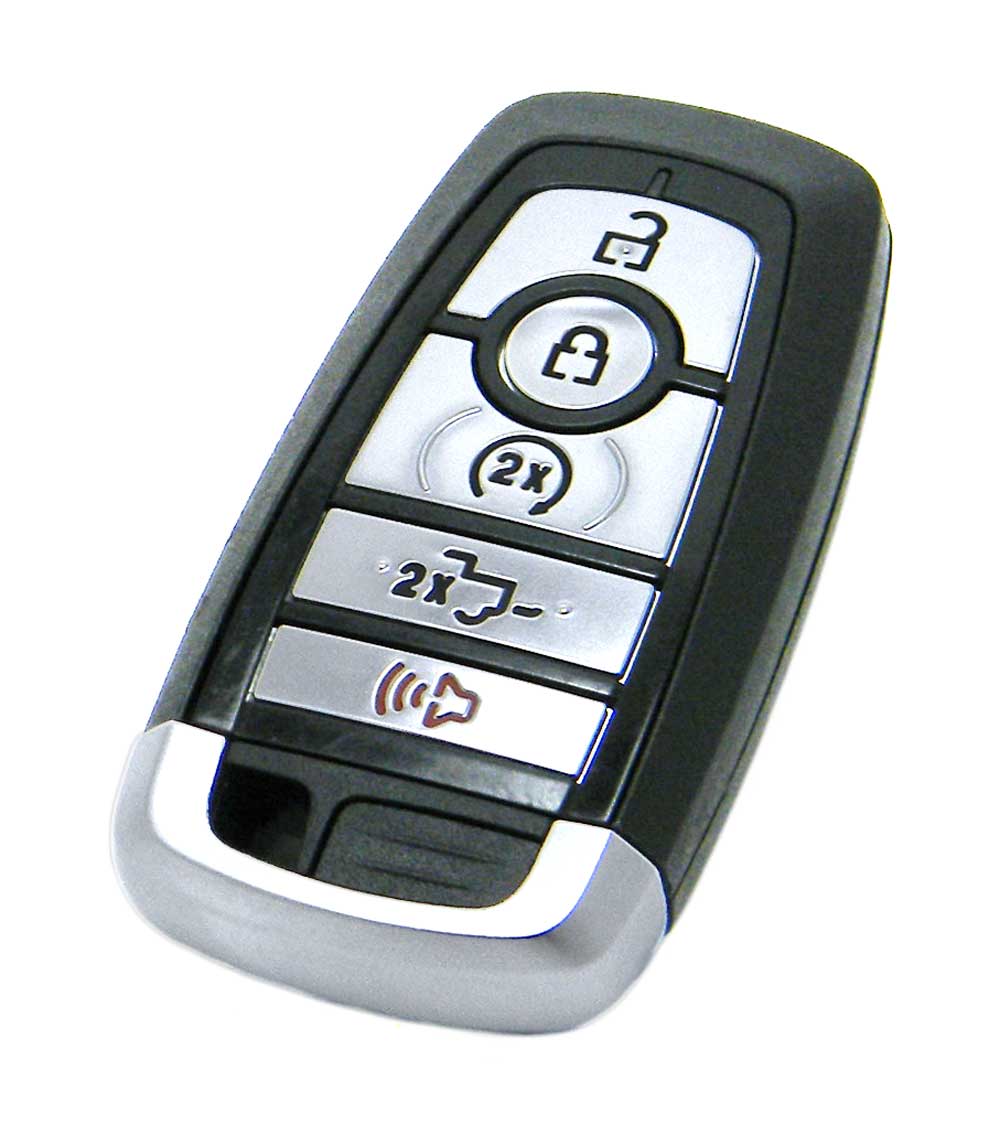
Got my OEM fob from Northcoast Keyless. It's identical to the fobs that came from the factory, with battery installed - $64.94 including shipping and no sales tax.
View attachment 28199View attachment 28200
The instructions they provide have a slight error in steps 10 and 11 for the 2021 Super Duty. I have attached the instructions below with a modification for those steps in yellow print. When done according to this it works perfectly.
You will know your truck is in "key program mode" when the second fob is connected to the truck and your vehicle key code comes up on the instrument screen, step 7. At this point the new fob can be programmed which is step 9. You will know the new fob programs if the door locks cycle while you are holding the start button down.
Hope this helps anyone that decides to add an extra fob to their truck.
Note: If programming fails at end of process, wait at least 60 seconds to retry the program process.
You can only program a total of 4 key fobs to the system.
Key Fob Programming:
1 - Confirm First Programmed Smart Key
PLACE the first programmed smart key in the backup slot in the center console.
The key ring MUST be at the top with the buttons facing toward the rear of the vehicle.
2 - Confirm First Programmed Smart Key
PRESS the START/STOP button on the vehicle.
3 - Confirm First Programmed Smart Key
WAIT 5 seconds and PRESS the START/STOP button on the vehicle AGAIN.
4 - Confirm First Programmed Smart Key
REMOVE the first programmed key from the center console.
5 - Confirm Second Programmed Smart Key
Within 10 seconds, PLACE the second programmed smart key in the backup slot in the center console.
6 - Confirm Second Programmed Smart Key
PRESS the START/STOP button on the vehicle.
7 - Confirm Second Programmed Smart Key
WAIT 5 seconds and PRESS the START/STOP button on the vehicle AGAIN.
Confirmation on the instrument screen when this step completes (key code on screen).
8 - Confirm Second Programmed Smart Key
REMOVE the second programmed key from the center console.
9 - Program New Smart Key
WAIT 5 seconds and PLACE the NEW un-programmed smart key in the backup slot in the center console.
10 - Program New Smart Key
PRESS the START/STOP button
and HOLD till door locks cycle. Door locks cycle indicates fob has been added to the system.
TEST all remotes. Programming is complete.





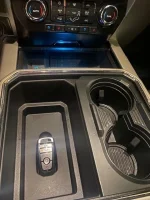

 i can confirm for anyone wondering if this works on a 2022, on my first 6 tries i was thinking that maybe it doesn’t, but i likely didn’t follow the protocol exactly as stated above.