Full Screen CarPlay is here for Sync4 in my SD!

I got my Mongoose in and updated it last night. It litterally took a couple hours to download the apim update on my kinda slow wifi. I can understand why it takes days for the cell to download the update OTA. It was like 5 gigs.

Just FYI if anyone else goes to the FDRS process, most of them were easy, the BCM update is nerve racking as my interior lights went crazy and had faults for the TPMS system. I thought I had messed up and did quite a few things to see if I could fix it and nothing was working. Finally thought lets just drive it down the road and see if the TPMS starts picking up, as soon as it did everything went normal and the interior lights chilled out.

IMO leave the BCM one alone, there is a history of problems on the F150s with BCM updates with similar interior light issues and they ended up at the dealership buying BCM's. Maybe I got lucky or maybe all that was normal but I wouldnt do it again.
 
I got my 3.5.3 update on Saturday and 3.5.4 came through yesterday. I had my update symbol on and off for about 5 weeks and the update details would change daily, sometimes up to date and other times it would be blank. I think it is just a random draw as to when it will complete the download and finish. I made the forscan changes last night after 3.5.4 came through. Also noticed that I do not have the extra truck on the backup camera screen than many have noticed.
IMG_7741.webp
IMG_7740.webp
IMG_7743.webp
 
I got my 3.5.3 update on Saturday and 3.5.4 came through yesterday. I had my update symbol on and off for about 5 weeks and the update details would change daily, sometimes up to date and other times it would be blank. I think it is just a random draw as to when it will complete the download and finish. I made the forscan changes last night after 3.5.4 came through. Also noticed that I do not have the extra truck on the backup camera screen than many have noticed.
View attachment 119956View attachment 119957View attachment 119958
Would you be kind enough to walk me through the forscan process in order to have the climate control buttons on the screen? Thanks
 
Would you be kind enough to walk me through the forscan process in order to have the climate control buttons on the screen? Thanks
Is your truck a 2022 with the 12” sync 4? Just wondering because your signature says a 2021 which would have the 8” sync 3.
 
Is your truck a 2022 with the 12” sync 4? Just wondering because your signature says a 2021 which would have the 8” sync 3.
Yes it is. I now have a 22 KR with the 12" screen
 
I’ll send you a pm
 
I went to a buddy's shop today that has FDRS to update SYNC. WE tried to update SYNC and it asked for a USB? We canceled the update and updated The GWM and went back to the SYNC update, but it kept asking for a USB. Has anyone else ran into this? We tried to update the TCU, but it said it was updated with the GWM.
 
Alright. Ive been pursuing this for quite some time now. Happy to see some more people getting the update! My journey so far has been as follows:

  1. Called Ford after reading some of these posts - my truck has been verified as attempting the download twice, failing both times (download icon appearing, then going away and truck claiming it was up to date afterwards)
  2. After talking to ford, left the truck parked for 2 weeks with emergency brake on, lights off, connected to wifi - nothing
  3. Tried the trick 10+ times of setting the auto update for 15 mins after i parked from driving for 30+ min - nothing
  4. Yesterday I took the truck to a dealership who attempted to manually install the update
    • After waiting at the dealership for multiple hours, the dealership checked all my modules and they said they found no errors, they then proceeded to move through each module to apply any updates, at the very end of all of this they basically hit a point where the APIM was not responding the way that it was supposed to.
    • The tech, who seemed to be familiar with this error said that it happens more often than not when he tries this, and that alot of Fords APIMs in the F Series trucks (and even some of the SUVs and electric vehicles) are pretty inconsistent.
    • Dealer recommended instead of continuing to try and make it work to just order a new APIM with the new updates on it and install in the truck when the order comes in, under warranty.

Overall, it sounds like my issue should be solved next week with the new APIM, and according to the dealer alot of these vehicles just have bad ones installed. Im not sure if that is true (which would make sense with all the inconsistencies on this thread) or if maybe the dealer was missing a step in the manual updates to have these results consistently. Either way i am happy to have the new APIM under warranty and HOPEFULLY get beyond all this craziness for what should be very simple OTA updates.

For those of you still having issues, i do think if you care enough to visit a dealer who seems to know what theyre talking about is your only next step, or just be patient and see if OTA works itself out with questionable APIMs in our trucks.
Okay friends - i had an appointment to go into my dealer on Friday and get a new APIM installed to finally get the update. Heres the thing....... it installed on its own today after i drove into the office, out of nowhere. Its almost comical because i left it locked but back window was cracked open, moonroof was cracked open, and headlights were on auto with no emergency brake on. So literally all the "ford rules" were broken.

It was not connected to wifi, and the scheduled updates were set for a completely different day/time that i left it on when i was still trying to force the update after longer drives last week.

Happy to have it but so many theories continue to get proven wrong on here. Even my dealer claimed my APIM was faulty but that doesnt even seem to be the case. At the end of the day i dont think there is anything anyone can do and it all comes down to luck?!
 
Its almost comical because i left it locked but back window was cracked open, moonroof was cracked open, and headlights were on auto with no emergency brake on. So literally all the "ford rules" were broken.

It was not connected to wifi, and the scheduled updates were set for a completely different day/time that i left it on when i was still trying to force the update after longer drives last week.

Crack the windows, no WIFI, headlights on auto. CHECK!
 
I went to a buddy's shop today that has FDRS to update SYNC. WE tried to update SYNC and it asked for a USB? We canceled the update and updated The GWM and went back to the SYNC update, but it kept asking for a USB. Has anyone else ran into this? We tried to update the TCU, but it said it was updated with the GWM.
yes the APIM update still needs USB its normal. Follow the prompts.
 
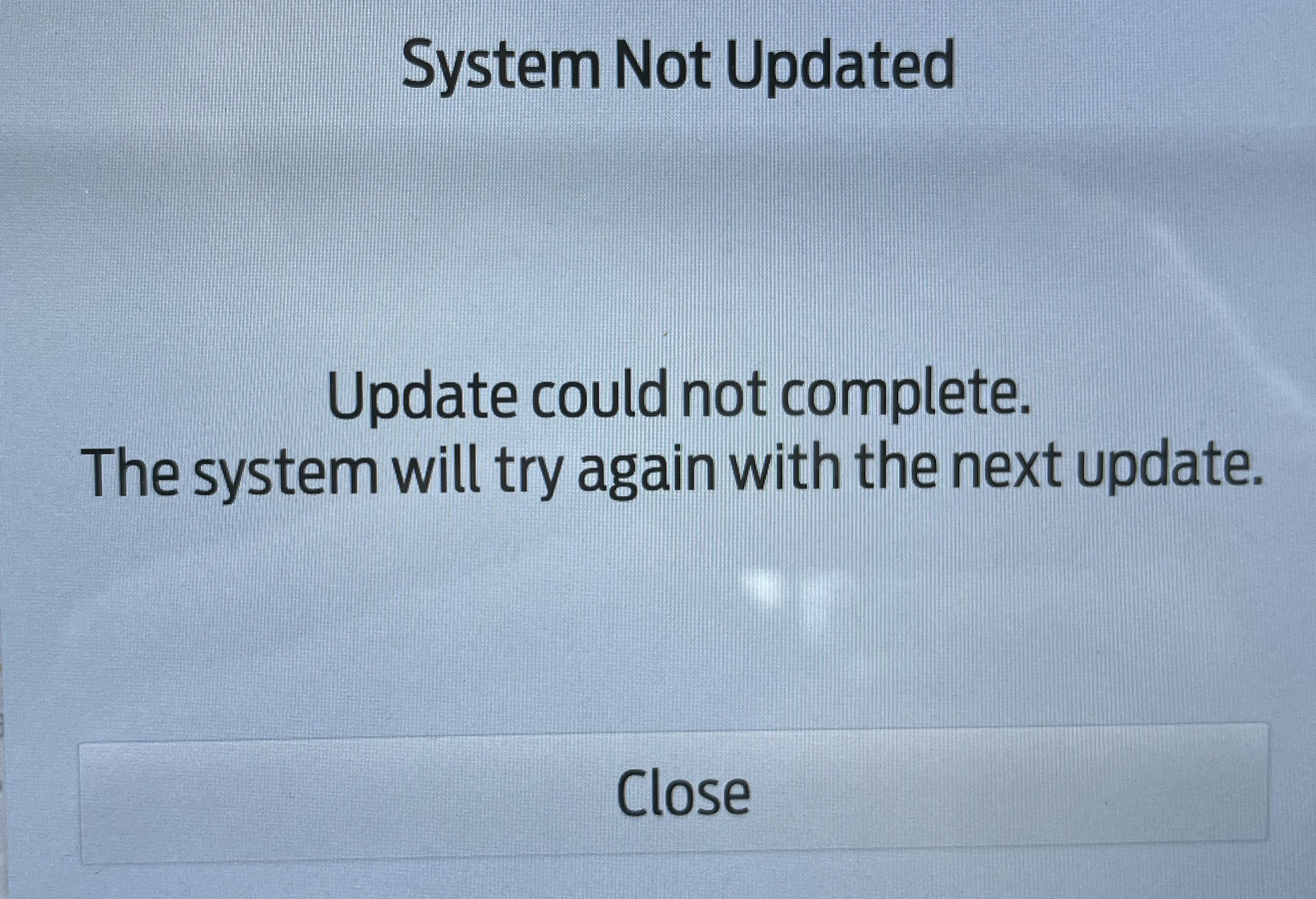
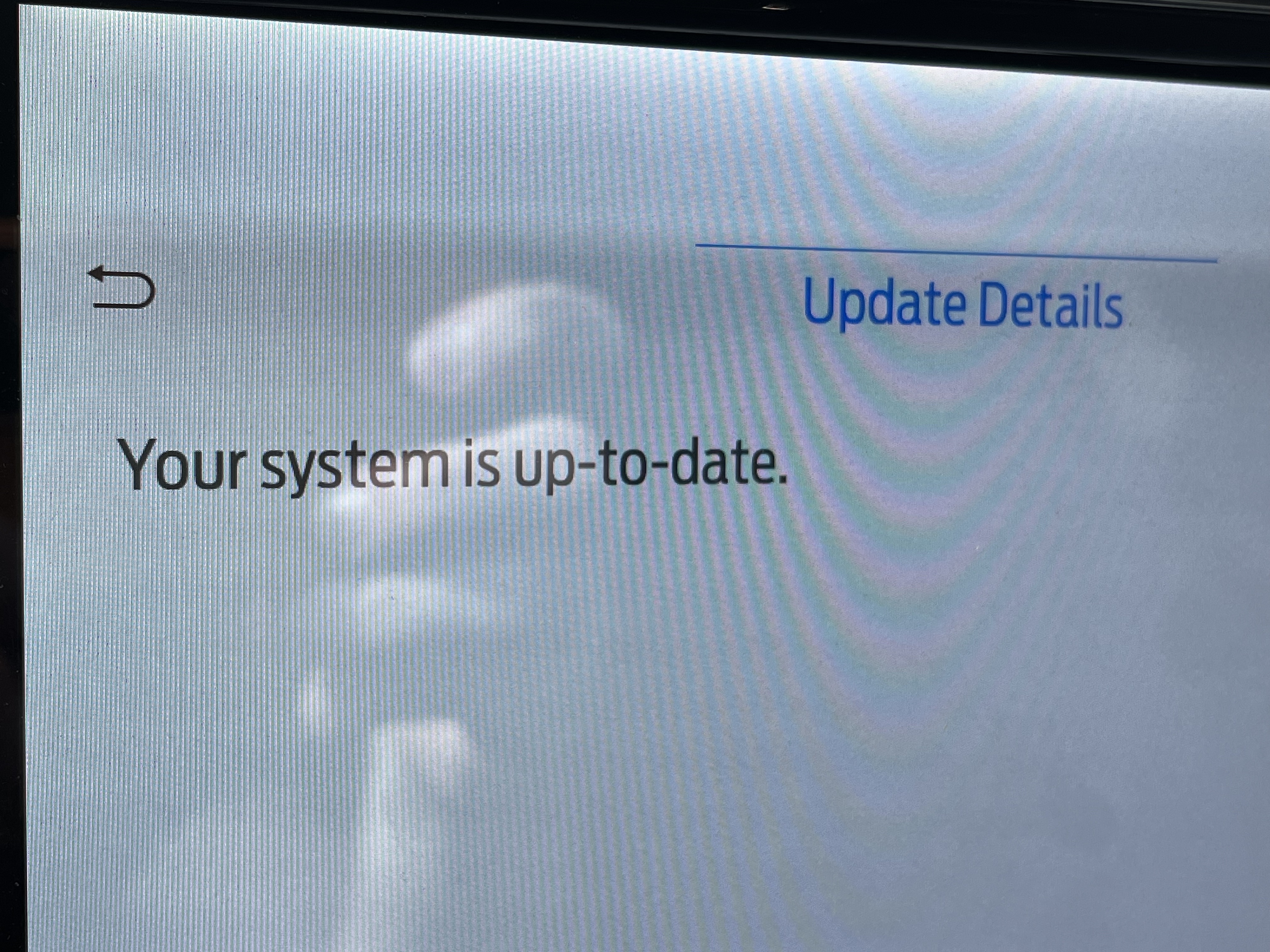
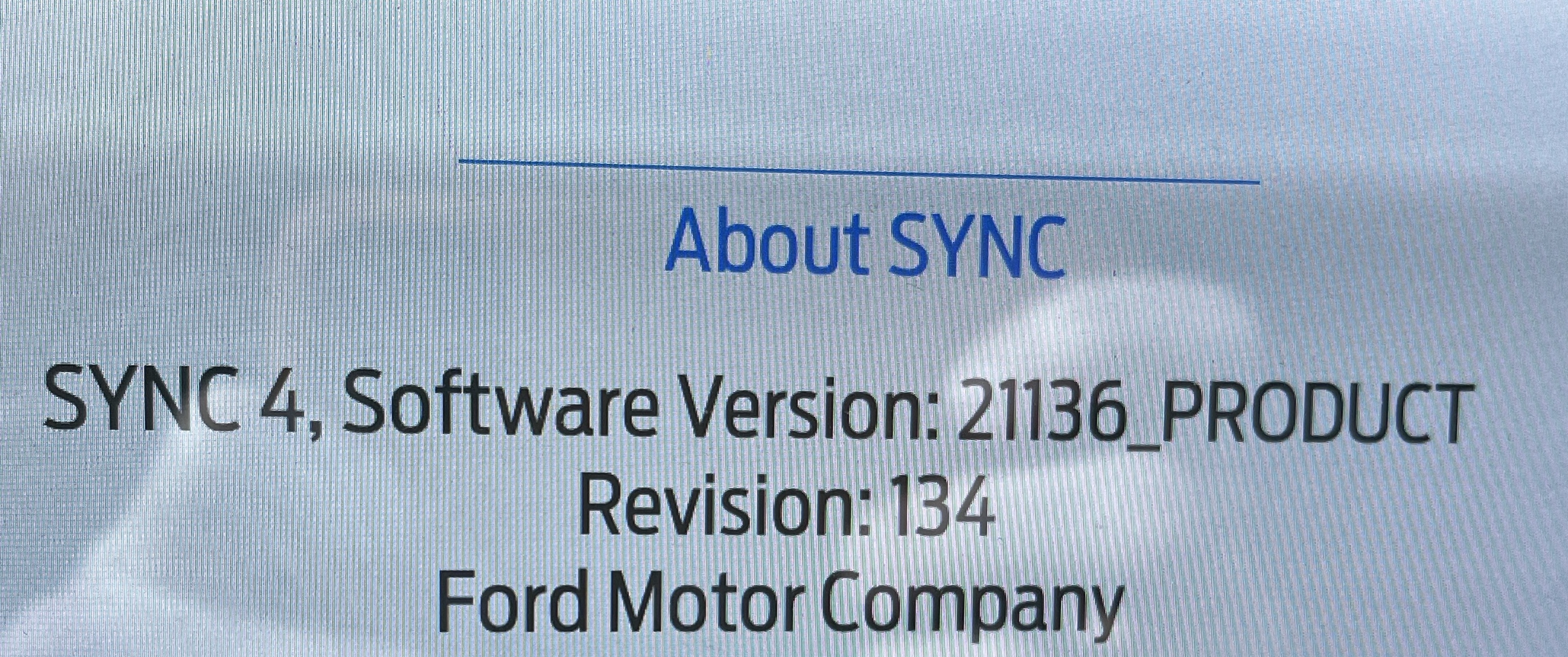
Now I'm even more confused.. (pics in order, below).

I got this message when I turned my truck on after work, and it got me excited thinking that I'm getting much closer to receiving the elusive update.

I then click 'Check for Update' and it tells me I have the latest version already..

So, I clicked on 'About Sync' and I still have the same revision as I've had for ages. All of these things contradict each other. @JHForman812 help/thoughts please?

o32o6Gy.jpg


FC1Jk0S.jpg


0vuAW9j.jpg
ummm.... I dont have an answer on this one. just reading what you posted looks like it tried to do the update, but failed?
 
ummm.... I dont have an answer on this one. just reading what you posted looks like it tried to do the update, but failed?
Doesn’t make sense though as it says I’m ‘up to date’ with nothing new available.
 
I went to a buddy's shop today that has FDRS to update SYNC. WE tried to update SYNC and it asked for a USB? We canceled the update and updated The GWM and went back to the SYNC update, but it kept asking for a USB. Has anyone else ran into this? We tried to update the TCU, but it said it was updated with the GWM.
Mine needed a usb for gwm, tcu, and apim. I think you can force some of the smaller ones to go without USB but the apim is quiet large, about 5gb and needs usb.
 
Doesn’t make sense though as it says I’m ‘up to date’ with nothing new available.
Probably still downloading. The only real way to know is someone with pts or whoever to check the vin and see if any updates are being sent or not.
 
I really feel challenged here. I cannot figure out this dual phone thing. I connected both but can’t get both to work. I’ve deleted and reconnected it again and still only one connects at a time.
 
Usually the truck is parked in my garage with wifi connection to home router and I never get anything. But for the last several days I've been on a remote area road trip through Utah and now I keep getting the download symbol and blank screen several times each day...very frustrating.
 
Back
Top Bottom