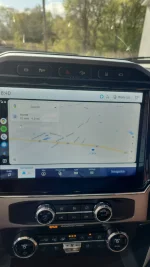
Full Screen CarPlay is here for Sync4 in my SD!

bummer sorry guys, it was just something i read and had hoped it would help! im personally thinking about this cable rental program. But I would need to know its worth my time.
Not your fault! Willing to try anything at this point lol. Appreciate the idea.

Who lives in nor cal and wants to go in $100 on the mongoose cable haha.
 
Hey guys, I recently recieved the Sync 4 update but I had a few questions that maybe some of you could answer for me.
1.) If you recieve the latest update do you also recieve the latest map update?
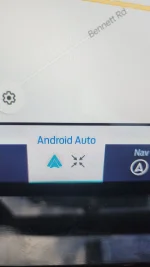
2.) I use android Auto and my spoity won't go to full screen but my google maps sonewhat will. Its a landscape layout ( I'll post pics of what I'm talking about.)
3.) My Android Auto full screen "expand" button is on the bottom Row as opposed to the Apple where it is at the top left from what I have seen.
I didn't do anything to force updates just had auto updates tuned on and wifi off. Truck was build in November of 22. Also, I use to have a 21 platinum tremor 6.7 but my 22 KR 6.7 is a non tremor, just seen you guys were more active on this topic. Thank you.
 

Attachments

  • Snapchat-568043893.webp
    Snapchat-568043893.webp
    142.4 KB · Views: 79
  • Snapchat-1355105749.webp
    Snapchat-1355105749.webp
    85.1 KB · Views: 84
Update: Have the 3.5.4 update which I assumed would allow me to go back to Nav in Motion... unfortunately Nav in Motion will not work with the latest update or until we/Forscan crew figure out the new setting (if there is one). The 3.5.4 took away the 75th Anny Splash Screen which I was successful in reprograming that back. "Bambi mode", turn signal 7 count, temperature above gauges all still work with no additional programming or reprogramming. Carplay full screen works well and like it a lot. It does not play well with my RV Life GPS app in full screen. Hopefully, the teams out there will figure out the code changes for the Nav in Motion... yes, I know I can still use voice to change destination while driving (or have it as a saved waypoint) but really like the feature.
 
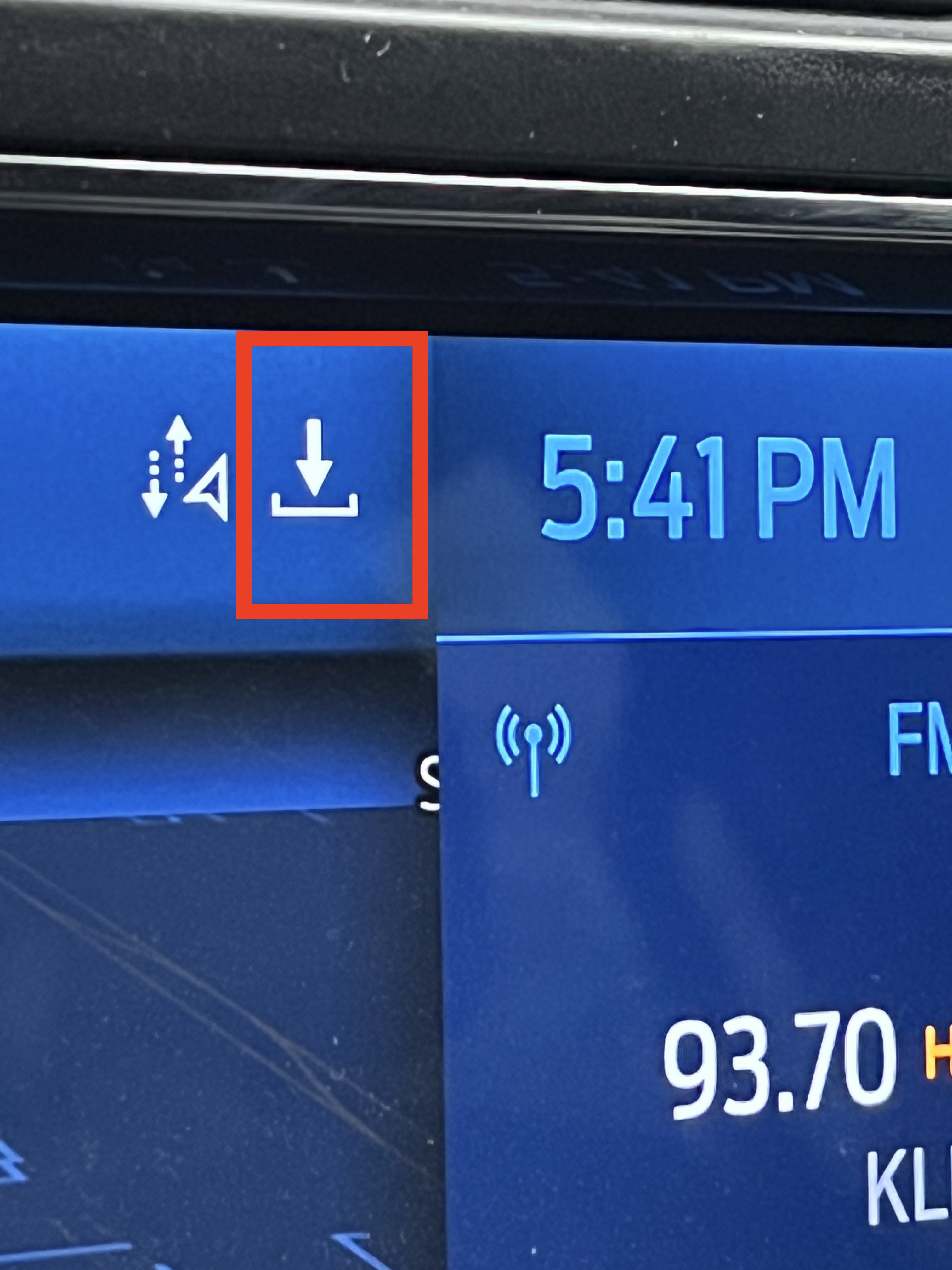
Today I got the 'downloading icon' displayed in top right corner of screen again but of course tapping 'update details' yielded a blank screen again..

When I got to work this morning, I set the parking brake and turned the headlights to off, and made my 'scheduled update' time to like half hour after I locked the truck. I saw the icon when I started the truck and left work.

No dice.
 
Today I got the 'downloading icon' displayed in top right corner of screen again but of course tapping 'update details' yielded a blank screen again..

This icon was seen after setting parking brake and turning headlights to off when I got to work, and made my 'scheduled update' time to like half hour after I locked the truck. I saw the icon when I started the truck and left work.

No dice.
That sounds like some amount of progress, though? Even seeing a downloading icon at all seems like a win to me lol.
 
That sounds like some amount of progress, though? Even seeing a downloading icon at all seems like a win to me lol.
I know right! Premature celebration of an icon that leads to empty hope.
 
I know right! Premature celebration of an icon that leads to empty hope.
Im going to try and not be a Debbie Downer here but i saw the icon multiple times. Even was able to see the avail update when i clicked "check for updates." Over time it came and went, and no update installed. Now it doesnt even see that there is an update available. So painful haha. Fingers crossed you have more luck than most!
 
  • Sad
Reactions: ccw
Latest findings. I noticed this morning ‘Automatic Updates’ switch was turned off and I tried turning it back on, but it won’t let me.

Also noticed in my ‘Schedule Updates’ screen that it was cleared out and I have no ability to change the time and day.

Finally, I saw this ‘Update Details’ screen which seems promising, but had no actual details of the update for some damn reason.

IMG_1390.jpeg
IMG_1389.jpeg
IMG_1391.jpeg
 
Last edited:
Latest findings. I noticed this morning ‘Automatic Updates’ switch was turned off and I tried turning it back on, but it won’t let me.

Also noticed in my ‘Schedule Updates’ screen that it was cleared out and I have no ability to change the time and day.

Finally, I saw this ‘Update Details’ screen which seems promising, but had no actual details of the update for so
Latest findings. I noticed this morning ‘Automatic Updates’ switch was turned off and I tried turning it back on, but it won’t let me.

Also noticed in my ‘Schedule Updates’ screen that it was cleared out and I have no ability to change the time and day.

Finally, I saw this ‘Update Details’ screen which seems promising, but had no actual details of the update for some damn reason.

View attachment 119083View attachment 119084View attachment 119085
I think you have progress!
 
I got the 3.5.3 update today. (3.5.2 updated in Feb)

For the the last 2 weeks, I turned off auto lights, set the parking brake and set the download schedule for ~1 hour ahead anytime my truck was going to be parked for a few hours or more. (so, twice daily, everyday)

With the 3.5.3 update, one change I noted was the update scheduling that allows for multiple days of the week to be selected (vs a single day with 3.5.2)

I'll try to update when the next update is sent down from the Ford deities. ;)

IMG_0457.webp
 
I got the 3.5.3 update today. (3.5.2 updated in Feb)

For the the last 2 weeks, I turned off auto lights, set the parking brake and set the download schedule for ~1 hour ahead anytime my truck was going to be parked for a few hours or more. (so, twice daily, everyday)

With the 3.5.3 update, one change I noted was the update scheduling that allows for multiple days of the week to be selected (vs a single day with 3.5.2)

I'll try to update when the next update is sent down from the Ford deities. ;)

View attachment 119134
Lucky! This Sync updating is absolute shit.
 
Lucky! This Sync updating is absolute shit.
I tried most of the other 'force update' technics many times (rebooting sync, reporting wifi problems..blah, blah, blah) in Feb after the 3.5.2 update and none made a difference. For whatever reason, the parking brake and auto headlights thing seemed to work. 🤷‍♂️
 
Latest findings. I noticed this morning ‘Automatic Updates’ switch was turned off and I tried turning it back on, but it won’t let me.

Also noticed in my ‘Schedule Updates’ screen that it was cleared out and I have no ability to change the time and day.

Finally, I saw this ‘Update Details’ screen which seems promising, but had no actual details of the update for some damn reason.

View attachment 119083View attachment 119084View attachment 119085
Mine did that as well, had to do a reset to turn automatic updates back on.
 
The 'Automatic Updates' switch re-enabled itself on the next ignition cycle of truck. That's when the Downloading icon in the top right came back and I took the photo.

'Schedule Updates' screen was also repopulated with times and day.
 
Got mine! Had my 2022 KR in for service earlier this week and asked the dealer if they would check for the SYNC4 update that gives full screen capability and download if it’s available. It was and they did. They mentioned it was 5gb+ and took them a while, including downloading to a flash drive and then connecting to the truck.

A new button pops up in the top left corner, just above the battery and signal strength indicators with the two “expand screen” arrows pointing at opposite directions.
Note, they did have to reload my TCU which may have inhibited my OTA receipt.

But, it’s here and pretty cool. Actually, it’ll take some getting used to as it’s quite big!

Good luck! No need to do anything drastic to your system!
What map option is that?
 
Back
Top Bottom