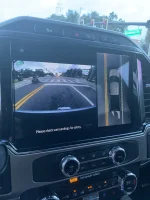
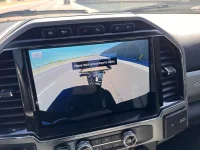
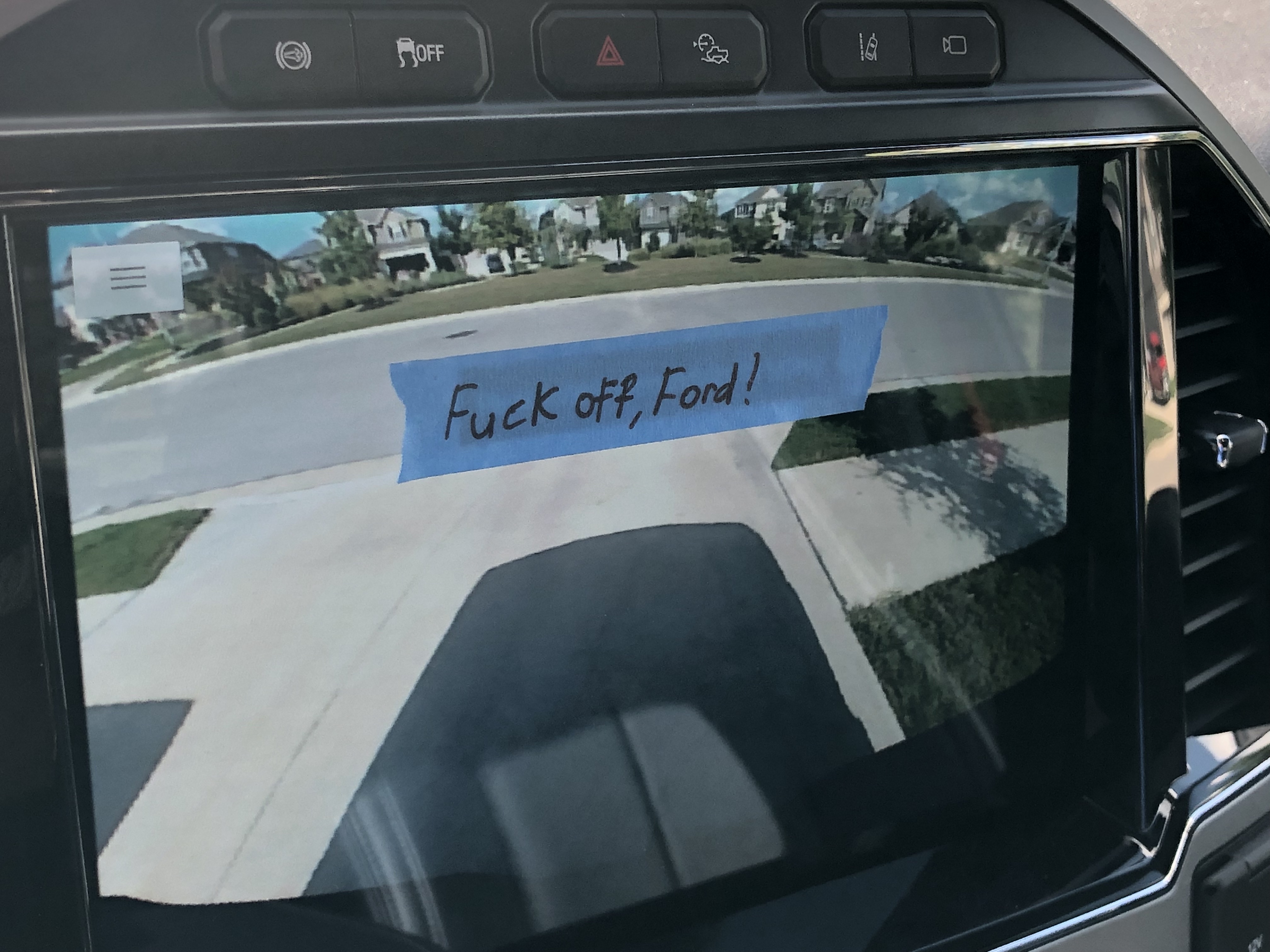
does anyone know how to get rid of "Please check surroundings for safety" message on rear camera views?

I completely misread the original post. I’m sure it’s a safety feature so people aren’t staring for ever while driving down the road. There’s probably no work around
 
Last edited:
Just tested mine.

In REVERSE the message is at the bottom.

In DRIVE if I cycle through all the cameras every camera has the message at the bottom except the backup camera and now the message is in the center upper portion of the screen just like the OP shows.

Thats what I suspected from the OP's post. He's not in actual reverse in that camera mode he's in drive(or possibly neutral or park) and has pushed the camera button on the bezel and chosen that camera view...

Why is it different? No clue... EXCEPT that in that mode the truck PRESUMES you are in drive and moving forward and if you had a trailer hooked up the trailer would be EXACTLY where that message is and it wouldnt be blocking anything... Without a trailer you go "that damn message is blocking me from seeing XXXXXXXXXXX".
 
I believe mine is at the bottom when in reverse but in the middle when traveling forward and watching rear view. Ill check in the morning
 
I believe mine is at the bottom when in reverse but in the middle when traveling forward and watching rear view. Ill check in the morning
Check mine this morning and that is what it does. At speed, you get the warnign in the middle and can only select a few cameras. At low speed or reverse, when you can get the 360 view, it is at the bottom.

Pics added.

Rear only selected manual at stop light.
9E77B6B1-7278-4250-9B7B-CF102CCFB302.webp


Front plus 360 at stop light. Showing menu. Lots of options when stopped.
5BE802A9-F96E-47E4-8B02-FDA9672C4612.webp


Manual Rear at speed. Only 4 menu available.
E3CD9D4C-F2DA-4406-AD24-FE0E9801C347.webp
 

Attachments

  • C3EF0DA1-154C-432F-BAE6-EFC1CB4E71B1.webp
    C3EF0DA1-154C-432F-BAE6-EFC1CB4E71B1.webp
    150.3 KB · Views: 68
Last edited:
Quote annoying if you’re trying to check on your load while towing.
 

Attachments

  • 3EFF570F-2758-4EC4-826F-A76D867796B0.webp
    3EFF570F-2758-4EC4-826F-A76D867796B0.webp
    180.6 KB · Views: 88
Pretty sure I only get that when the wife is aboard.
 
There has to be someone out there that can fix this. Towed a trailer in a new GMC.... full view while driving and no label blocking the load.
 
My guess is the message is on the bottom when in reverse because you're supposed to be using the screen in reverse. The message is in the middle when using the tailgate camera because you shouldn't be watching the topless supermodel behind you while driving at speed and should be focusing on traffic in front of you. The CHMSL bed camera works at speed because the next car is far enough away you can't see enough detail to be distracted. The Aux camera feed works at speed too, but only when your trailer is connected, obviously.
 
I had an auto that locked out all the controls to GPS nav while moving. A third party made a module that told the ECU(or whatever module) that the vehicle was stopped when it wasn't and controls returned. Couldn't someone come up with something similar, or even better a forscan fix, to spoof the appropriate modules and allow the function to be used without the darned banner?
 
I saw a video the other day for F150s where’re the person used ForScan to remove the “Full View Not Available” message. I tried it on mine but still had the message, I haven’t been able to find anything in ForScan but still looking into it. I have that message and the “Full View Not Available” right in the middle of the screen
 
I saw a video the other day for F150s where’re the person used ForScan to remove the “Full View Not Available” message. I tried it on mine but still had the message, I haven’t been able to find anything in ForScan but still looking into it. I have that message and the “Full View Not Available” right in the middle of the screen
Yep, we have to find a way to remove this. Checking your load for loose straps or shifted cargo should be important.
 
It’s on the bottom of my 22. Both camera views
Got the big black bar on my 2022 - built Octoter 2021 - delivered December 2021 - 360 cameras
Camera - Blocked By Tag Line.webp
 
Check mine this morning and that is what it does. At speed, you get the warnign in the middle and can only select a few cameras. At low speed or reverse, when you can get the 360 view, it is at the bottom.

Pics added.

Rear only selected manual at stop light.
View attachment 61205

Front plus 360 at stop light. Showing menu. Lots of options when stopped.
View attachment 61206

Manual Rear at speed. Only 4 menu available.
View attachment 61208
Poor car behind you probably shit their pants when the reverse lights came on🤣
 
Back
Top Bottom