Super easy. Few instructions and pictures below.
1. Pop of the speaker cover. No screws just pry/pull up.
View attachment 37775
2. Remove two 7mm screws.
View attachment 37776
3. Lift up and slightly toward the windshield to reveal speaker harness and unplug.
View attachment 37777
4. Remove (I saved for later to cover holes if I remove mount) rubber tray and mark and drill holes in cover. NOTE: instructions include a template. I marked the easy two with the mount to ensure it was lined up and then used template for remaining two holes.
View attachment 37778
5. Place the two bolts in the mount before placing it in the tray. My fat fingers couldn't get them in after the first time around. NOTE: I installed the ball to my mount now but that later made it difficult to each the screw below to tighten and this can be added after the fact.
View attachment 37780
6. Install and tighten all four bolts and nuts.
View attachment 37781
7. Reverse the removal steps to install it back in truck. NOTE: remember to reinstall speaker plug (no I didn't forget but could see it happening)
View attachment 37787
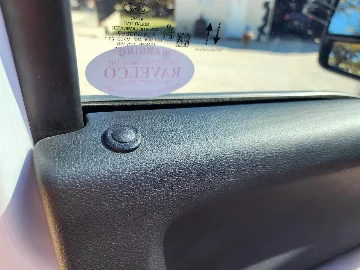
Here it is with no arm and just the mount and ball. Can hardly see it from my seat position. Tried to take the photo from my POV.
View attachment 37784
And then with arm attached and backup camera display attached (main and possibly only reason I use this) Phone sat up very high or in front of screen too much for me. Either longer arm or possibly second arm might help with this if people want to use for phone.
View attachment 37788
View attachment 37789





![What did you do to your Tremor today? [2019-2024]](https://www.fordtremor.com/data/files/featured_images/featuredimages_thumb_4.webp?1790443288)